
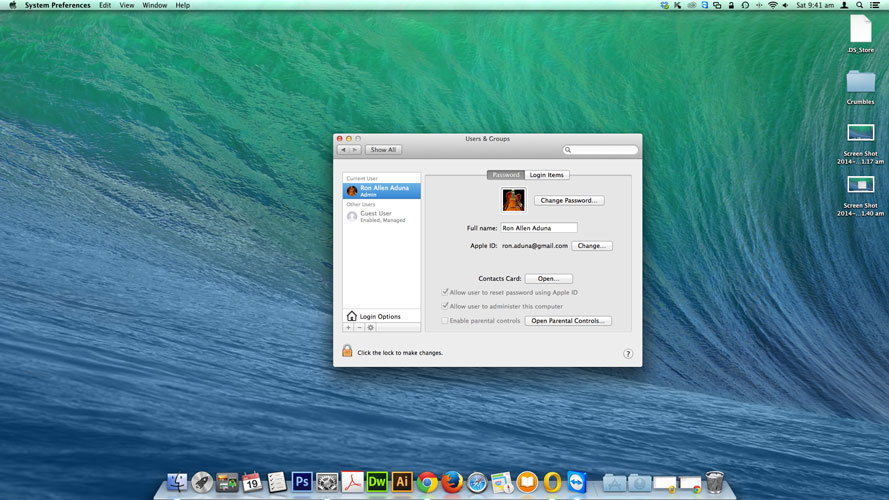
How to Remove Start Up Applications on Mac OS X to Speed Up Your MAC
Speed up your MAC by deleting unwanted start up applications which load when you login.
Steps on how to remove start up applications on MAC OS X:
1. Open System Preferences from dock or Launchpad.
[postad]
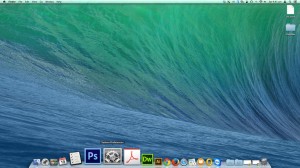
2. Click on Users & Groups Icon
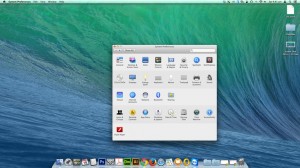
3. Select your User name
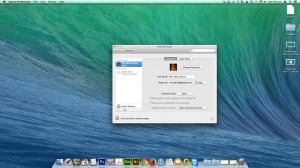
4. Then click on Login Items tab
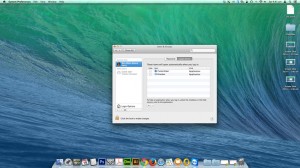
5. To remove items on the list, click on the lock icon to make changes. Select the app you want to remove and click on (-) button to delete application on the list. Alternatively tick on the checkbox to hide application from the list.
Here’s how you do it. Watch video tutorial:
[youtube http://www.youtube.com/watch?v=mcYMNuoZrLc]editor's pick
latest video
 For Lighthouse Baptist Church
news via inbox
Nulla turp dis cursus. Integer liberos euismod pretium faucibua
you might also like
http://www.google.com/finance/converter
select currency
http://www.google.com/finance/converter?&from=SGD&to=USD
http://www.google.com/finance/converter
select currency
http://www.google.com/finance/converter?&from=SGD&to=USD
http://www.google.com/finance/converter
select currency
http://www.google.com/finance/converter?&from=SGD&to=USD
