
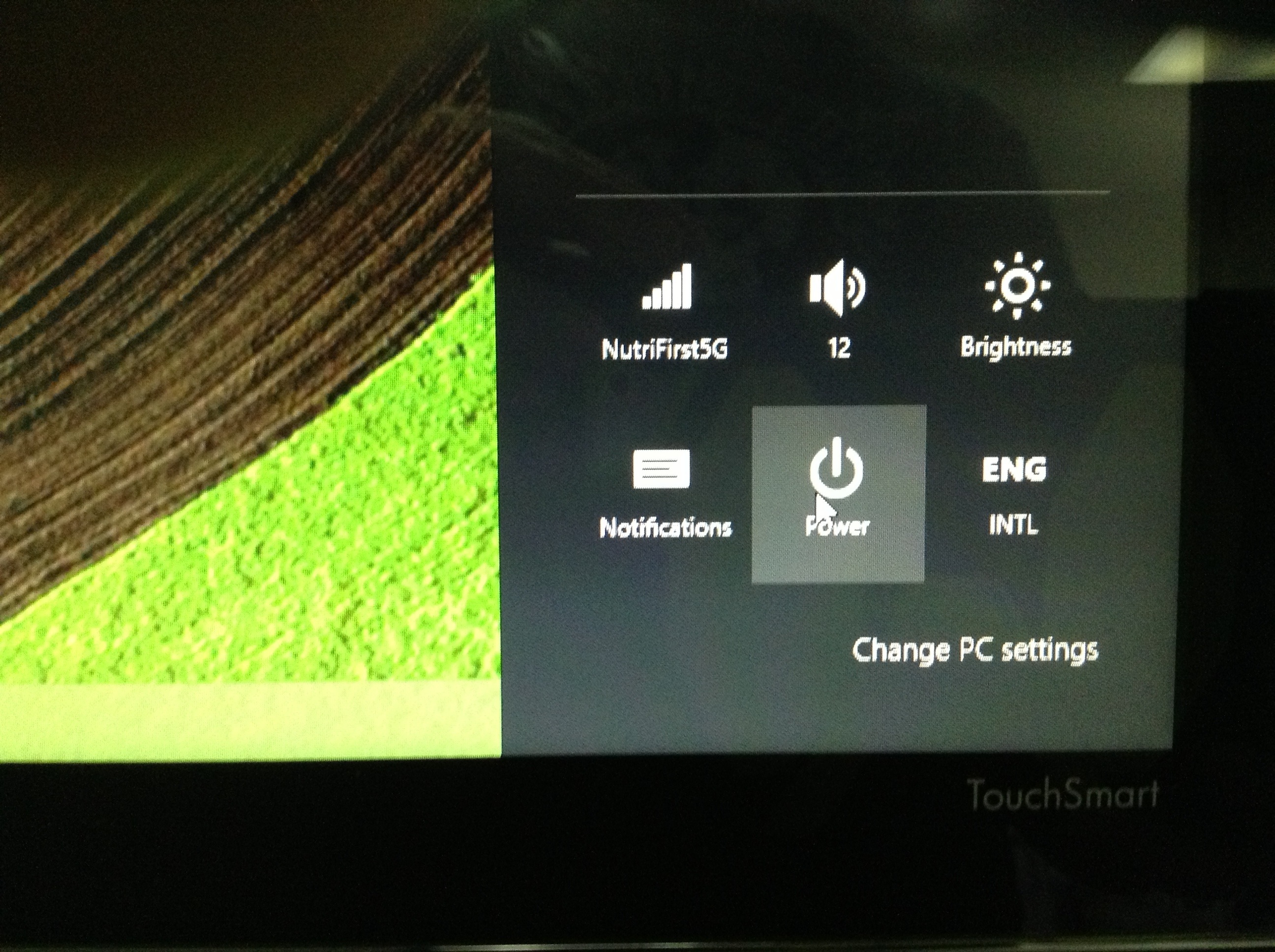
How to Shut Down Your Microsoft Windows 8?
Where to find shut down button on Windows 8?
There are three ways on how to shut down your computer on windows 8:
- Sign out your user, at the bottom right, select the power button and select shut down or reset
- Tap or click your mouse on the right corner of the screen, select the gear icon or settings button and select shut down or reset option.
- Create your own shutdown shortcut. For full tutorial on how to create a shutdown shortcut please visit, https://pinoyitsolution.com/2013/04/20/do-it-yourself…-for-windows-8/


editor's pick
latest video
 For Lighthouse Baptist Church
Created by: Paula Aduna
news via inbox
Nulla turp dis cursus. Integer liberos euismod pretium faucibua
you might also like
http://www.google.com/finance/converter
select currency
http://www.google.com/finance/converter?&from=SGD&to=USD
http://www.google.com/finance/converter
select currency
http://www.google.com/finance/converter?&from=SGD&to=USD
http://www.google.com/finance/converter
select currency
http://www.google.com/finance/converter?&from=SGD&to=USD
