
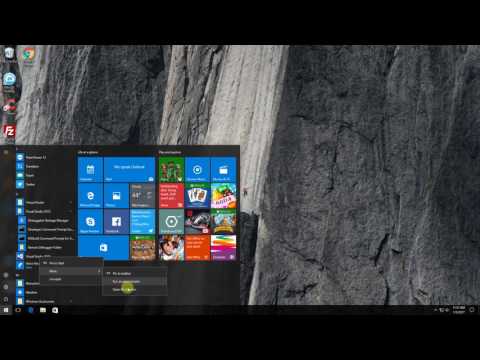
How to Add a Program (WAMP Server) to Individual Users Windows 10 Start Up
Video tutorial on how to add program (WAMP Server) to Individual Users Windows 10 Start Up.
Step 1: Go to Start Button.
Step 2: Type Run, to search Run App.
Step 3: On Run App, type shell:startup then click OK button
Step 4: Open another Explorer window and browse to (WAMP Server) App Location then copy the executable file.
Step 5: Go back to the start up folder then right click and paste shortcut. The desired program will now automatically run whenever the computer starts.
I created this video with the YouTube Video Editor rUse(http://www.youtube.com/editor)
editor's pick
latest video
 For Lighthouse Baptist Church
news via inbox
Nulla turp dis cursus. Integer liberos euismod pretium faucibua
you might also like
http://www.google.com/finance/converter
select currency
http://www.google.com/finance/converter?&from=SGD&to=USD
http://www.google.com/finance/converter
select currency
http://www.google.com/finance/converter?&from=SGD&to=USD
http://www.google.com/finance/converter
select currency
http://www.google.com/finance/converter?&from=SGD&to=USD
