
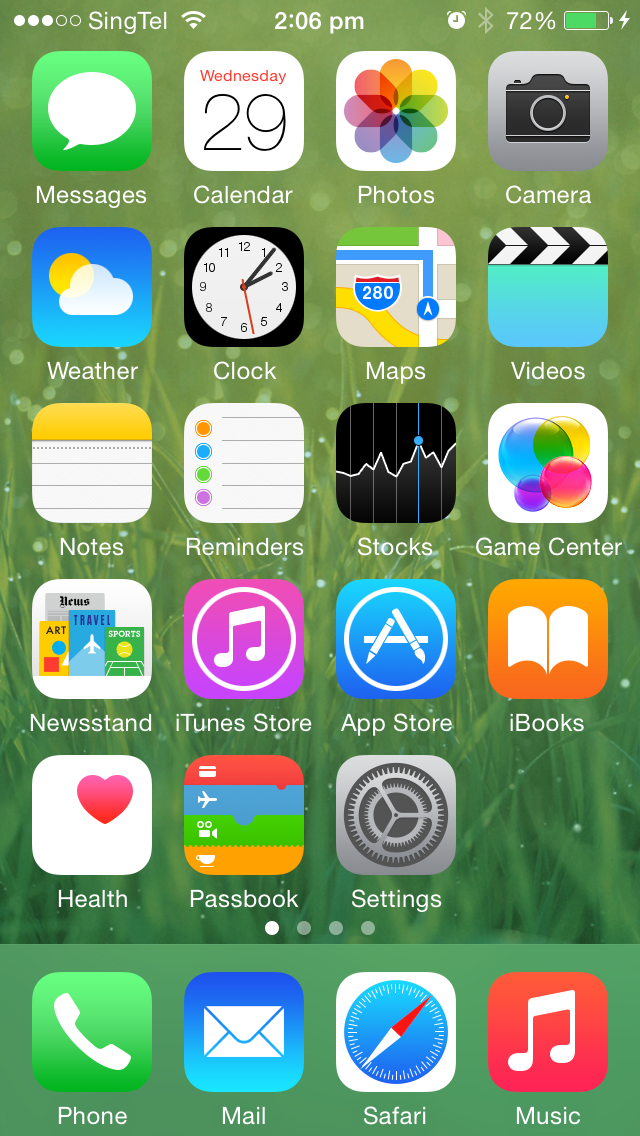
Cannot Login Into Any Website Using Safari Browser On iPhone / iPad iOS 8
Having problem with logging into a website using safari on your iPhone? It’s probably because safari is blocking cookies. Most websites will warn you that your browser do not accept cookies, but there are still some websites which won’t let you know what’s happening, it will just keep you running round and round.
Here’s how you solve this issue. Just follow this steps:
[postad]
1. Go to your iPhone/iPad Settings
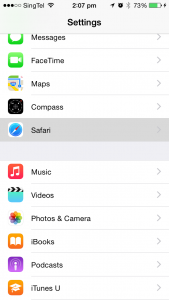
2. Select Safari
3. Then choose Block Cookies
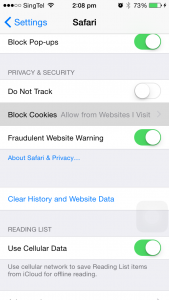
4. and lastly, select Allow from Websites I Visit
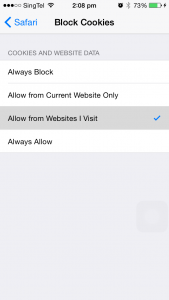
Hope that helps! :)
View video below to watch these steps:
[youtube http://youtu.be/RlU8_r2ggeU]editor's pick
latest video
 For Lighthouse Baptist Church
news via inbox
Nulla turp dis cursus. Integer liberos euismod pretium faucibua
you might also like
http://www.google.com/finance/converter
select currency
http://www.google.com/finance/converter?&from=SGD&to=USD
http://www.google.com/finance/converter
select currency
http://www.google.com/finance/converter?&from=SGD&to=USD
http://www.google.com/finance/converter
select currency
http://www.google.com/finance/converter?&from=SGD&to=USD
