
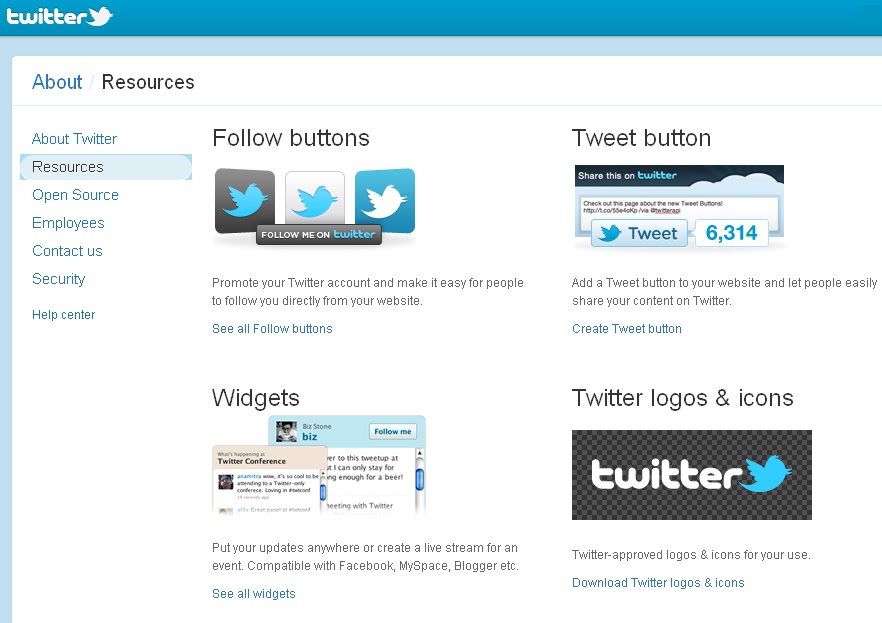
Putting Twitter on your Website
How to put Twitter on your website:
Go to this link: http://twitter.com/about/resources
Choose what twitter apps you want.
Select your Widget from:
Profile Widget – where you can put your own tweets on your website.
Search Widget – what trends in twitter or keyword/s if people tweeted or tweet your site or in any case, just choose.
Faves Widget – this where your favorite tweet/s would be seen.
List Widget – its for a group tweets or any list you preferred putting on your site
Customize your apps into its most appropriate look for your website, test the setting and click,
“Finish and Grab Code”. You’re all done.
-brEakDown-
editor's pick
latest video
 For Lighthouse Baptist Church
news via inbox
Nulla turp dis cursus. Integer liberos euismod pretium faucibua
you might also like
http://www.google.com/finance/converter
select currency
http://www.google.com/finance/converter?&from=SGD&to=USD
http://www.google.com/finance/converter
select currency
http://www.google.com/finance/converter?&from=SGD&to=USD
http://www.google.com/finance/converter
select currency
http://www.google.com/finance/converter?&from=SGD&to=USD
