
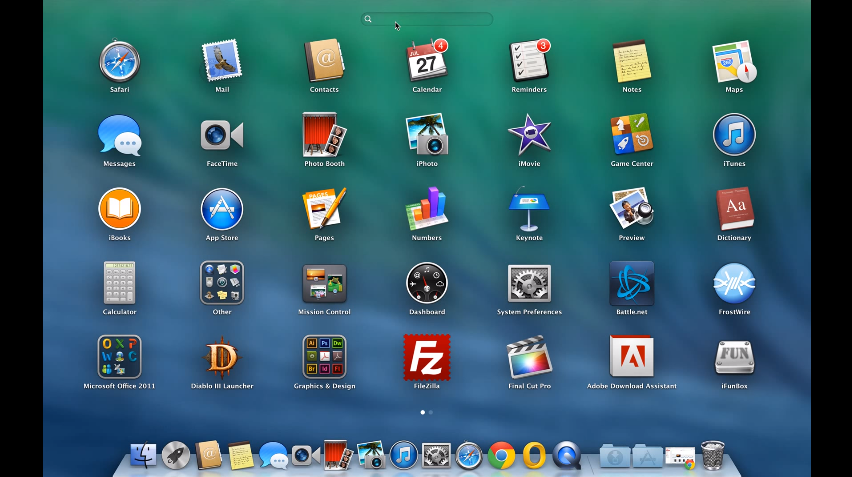
Quick Fix: Cannot Type on Launchpad MAC OS X
Not being able to type on MAC OS X Launchpad can be caused by several issues. Installation of new software, accidentally pressing a combination of keys or lack of memory in your MAC.
Here’s a quick fix:
[postad]
1. Close all running applications by using force quit.
2. Log out your user.
3. Log back in, then try again.
4. If this fails, try opening Launchpad and press tab multiple times.
Watch video instructions:
editor's pick
latest video
 For Lighthouse Baptist Church
news via inbox
Nulla turp dis cursus. Integer liberos euismod pretium faucibua
you might also like
http://www.google.com/finance/converter
select currency
http://www.google.com/finance/converter?&from=SGD&to=USD
http://www.google.com/finance/converter
select currency
http://www.google.com/finance/converter?&from=SGD&to=USD
http://www.google.com/finance/converter
select currency
http://www.google.com/finance/converter?&from=SGD&to=USD
