
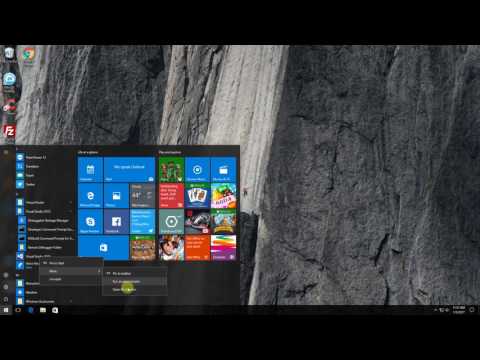
Always Run A Program (Visual Studio 2015) As An Administrator on Windows 10
Annoyed by always having to right click and run program as Administrator? You don’t have to do it over and over again.
Here’s a Quick Fix:
Step 1: Locate your program on the Start Menu.
Step 2: Right click on the program, Select Open File Location.
Step 3: Right click on the program that you prefer and click on properties.
Step 4: On properties dialog, press Advance.
Step 5: Tick on the Run as Administrator checkbox and press OK, then OK.
You now can straight away click on the program and it will run automatically as an Administrator.
You sure saved a lot of time. Please take time to Subscribe, Like or Share.
I created this video with the YouTube Video Editor (http://www.youtube.com/editor)
editor's pick
latest video
 For Lighthouse Baptist Church
news via inbox
Nulla turp dis cursus. Integer liberos euismod pretium faucibua
you might also like
http://www.google.com/finance/converter
select currency
http://www.google.com/finance/converter?&from=SGD&to=USD
http://www.google.com/finance/converter
select currency
http://www.google.com/finance/converter?&from=SGD&to=USD
http://www.google.com/finance/converter
select currency
http://www.google.com/finance/converter?&from=SGD&to=USD
