
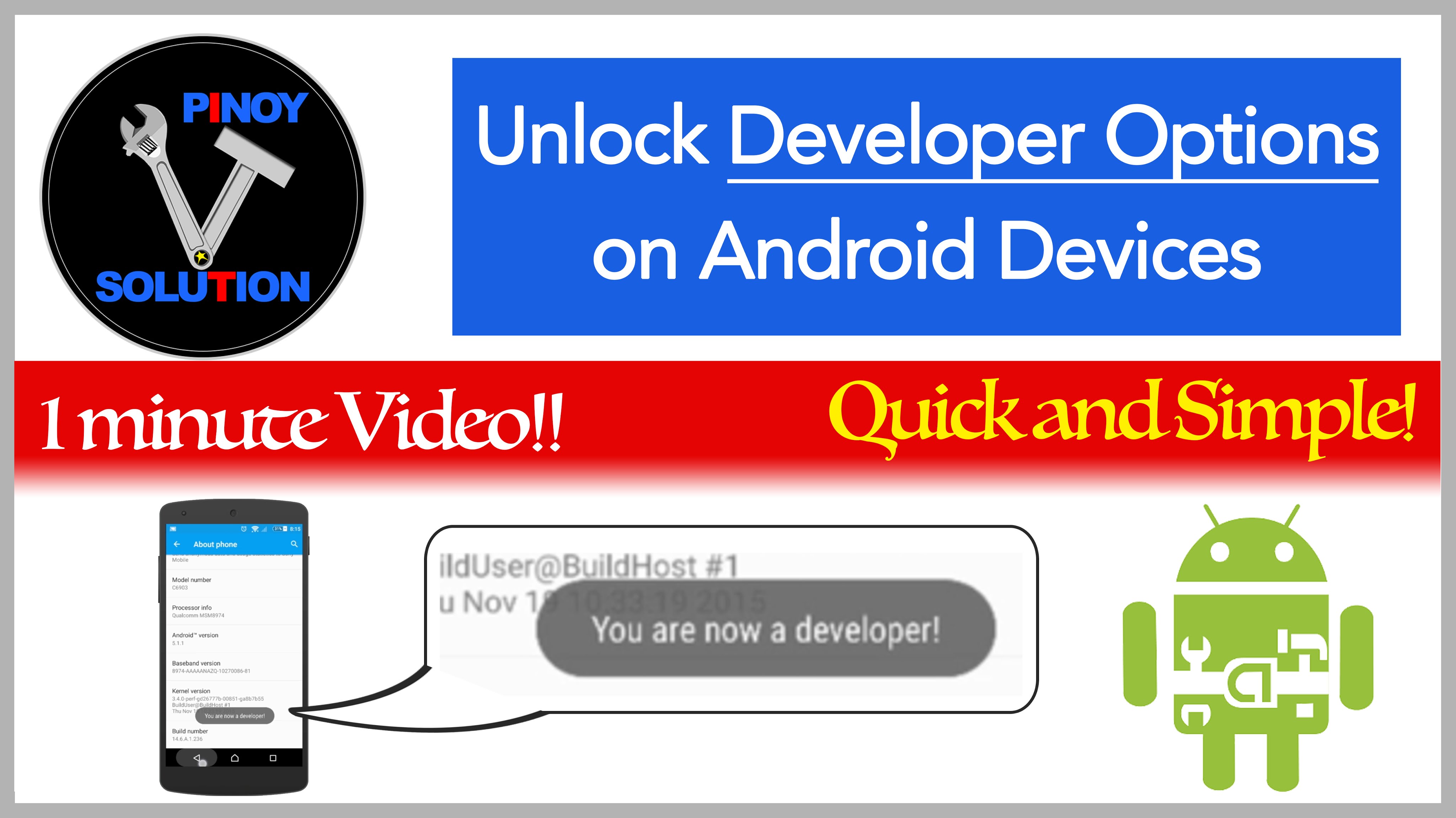
How to turn on Developer Options on Android Devices

Step by step tutorial on how to turn on Developer Options on android devices to unlock hidden features.
Step 1:
Go to Settings
Step 2:
Tap About Phone
Step 3:
Tap Build number
for 7 times
Step 4:
Go back to main settings
by tapping back button
Step 5:
Tap Developer options
to unveil advance
settings for developers
I created this video with the YouTube Video Editor (http://www.youtube.com/editor)
editor's pick
latest video
 For Lighthouse Baptist Church
news via inbox
Nulla turp dis cursus. Integer liberos euismod pretium faucibua
you might also like
http://www.google.com/finance/converter
select currency
http://www.google.com/finance/converter?&from=SGD&to=USD
http://www.google.com/finance/converter
select currency
http://www.google.com/finance/converter?&from=SGD&to=USD
http://www.google.com/finance/converter
select currency
http://www.google.com/finance/converter?&from=SGD&to=USD
