
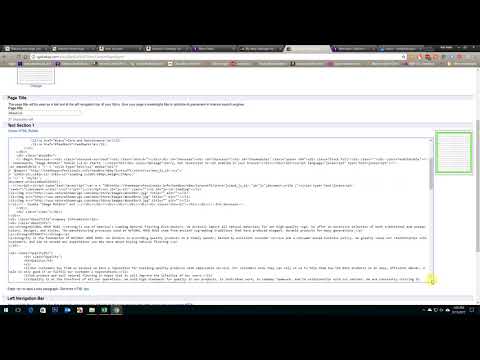
How to Edit eBay Store Custom Page
Steps on how to edit eBay Store Custom Page:
Step 1:When on Manage My Store, select Custom Pages on the Left Menu under Store Management / Store Design.
Step 2: Click Change link beside Custom Pages.
Step 3: On the Custom Pages Page, change the action dropdown of the desired page that you wanted to edit.
Step 4: Make necessary changes on the page as desired. Click Continue button when done. (Drag bottom right corner of text box to change the text box size)
Step 5: Preview changes then press Save and Publish. You can now visit your Custom Page to see if changes took effect.
I created this video with the YouTube Video Editor (http://www.youtube.com/editor)
editor's pick
latest video
 For Lighthouse Baptist Church
news via inbox
Nulla turp dis cursus. Integer liberos euismod pretium faucibua
you might also like
http://www.google.com/finance/converter
select currency
http://www.google.com/finance/converter?&from=SGD&to=USD
http://www.google.com/finance/converter
select currency
http://www.google.com/finance/converter?&from=SGD&to=USD
http://www.google.com/finance/converter
select currency
http://www.google.com/finance/converter?&from=SGD&to=USD
