

How to select All Mails on your Android Email App
Step by step guide on how to select All Mails on your Android Email App:
1. Press home button.

2. Select Email App from menu option.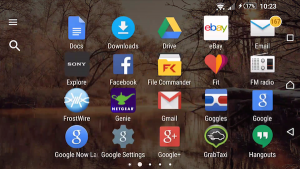
[postad]
3. Go to your desired folder.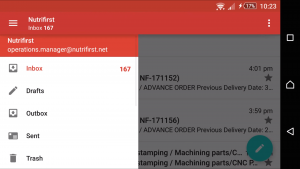
4. Click and hold your first email. Wait until the check box appeared on the left corner of the vehicle.
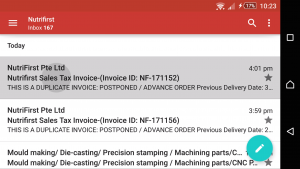
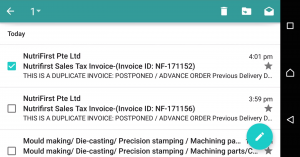
5. Now click on the number on the top area of your screen. Simply select Mark All.
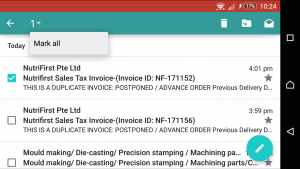
Now that you have all the emails selected, you may do what ever you require with it, may it be forward, mark as read or delete.
Video version of this tutorial:
editor's pick
latest video
 For Lighthouse Baptist Church
news via inbox
Nulla turp dis cursus. Integer liberos euismod pretium faucibua
2 Comments
Comments are closed.
you might also like
http://www.google.com/finance/converter
select currency
http://www.google.com/finance/converter?&from=SGD&to=USD
http://www.google.com/finance/converter
select currency
http://www.google.com/finance/converter?&from=SGD&to=USD
http://www.google.com/finance/converter
select currency
http://www.google.com/finance/converter?&from=SGD&to=USD

I have no Arrow by the number
They probably change it. This tutorial was made using android kitkat and i’m using a Sony z1 device. I guess it will appear differently to other devices.